Showing posts with label Unifi. Show all posts

Monday, 25 May 2026

Unifi Doorbell -> BlueIris

Getting a UniFi Doorbell into Blue Iris (the hard way, because the easy way broke)

I use Blue Iris as my primary CCTV platform, but like many home lab tinkerers, I also have some UniFi kit in the mix. In this case, a UniFi doorbell camera managed by UniFi Protect on a UDM-Pro.

On paper, this should be easy. UniFi cameras can expose RTSP streams. Blue Iris can ingest RTSP streams. Job done.

Except, as usual, it wasn't quite that simple.

Tuesday, 11 June 2024

Migrating Deprecated Unifi Docker on unRaid

I've been using LinuxServer's Unifi-Controller docker for a long time to manage my unifi devices. However, this has been deprecated and to keep up with new releases, there is a requirement to install a Mongo database docker and a newer Unifi docker. This sounded like a bit of a faff but I thought I'd give it a try before succumbing to a physical controller device. The process did not go well, and I couldn't seem to get the systems to work together.

However, in searching around for solutions, I saw there was a new 'all in one' option, the Unifi-Controller-Reborn docker from PeteAsking. (find it in the Apps tab). I gave it a whirl and was able to get my old setup running in a shiny new Docker. Along the way were a few learnings that I thought I'd log here for posterity.

Wednesday, 19 July 2023

Building an UnRaid Home Server for Media Storage and Automation

Are you looking to create a versatile and efficient home server that can handle your media storage needs while seamlessly integrating with your home automation system? If so, building an unRaid home server might be the solution you've been searching for. In this post, we'll explore the benefits of unRaid and provide practical advice on building your own home server for media storage and automation.

I've been using unRaid for home storage and automation for about 10 years now, and have been blogging about it here for almost as long. A lot of my posts are quite specific, so I thought I'd try a high level guide for those starting out. Let me know what you think, or if there are other specific topics you'd like to see covered.

Monday, 11 April 2022

Streamer, with benefits

I've spent a while refining my a/v setup and finally got around to building a decent home for all the kit. It now all rests on a DIY pull-out and swivel rack that allows for access as needed. However, one of the problems with any rack is the proliferation of devices and cables. 

In the spirit of consolidation that underpins this blog,  I thought there must be a way of tidying all that up. So I started with a svelte computer case and starting adding stuff in until I was happy. 

Sunday, 17 January 2021

User Presence Detection using Node-Red and Unifi


A big challenge in Home Automation is implementing a reliable mechanism for presence detection - figuring out who's home, and tailoring logic accordingly.

Here's how I do it using Node-Red, Unifi and MQTT.

Many approaches to presence detection rely on interacting with the device itself, either by way of software running on the mobile handset, or having the mobile ping or poll an external service. None of these approaches really appealed to me as they are fiddly, rely on handset configuration & maintenance and need to be reset every time someone gets a new phone.

The approach I've taken here is to rely on the fact that all the families' mobile phones are configured to connect to home WiFi (to save on data charges!). This method interrogates the home network to see what phones are present - a good indication that the person is home.

In short, I have a Node-Red flow that polls the network on a schedule, looks for named devices, and updates presence status in MQTT based on that.

I could have used a database, or flat file storage for storing state, but as I have an MQTT broker running anyway, it's a convenient and flexible approach for me.

Saturday, 5 December 2020

Set up Sky Fibre Broadband with Unifi USG

I recently moved from eir to Sky for TV, phone and broadband. My old eir modem supported bridging which allowed it play nice with my USG and the rest of the Unifi network. Unfortunately, the Sky modem does not support bridging. The usual advice online is to eliminate the Sky hardware and add a dedicated modem such as the Draytek V120. This is not an option for me as I'm also subscribing to Sky Talk, and that passes through the Sky modem.

That leaves only one option: configure the Sky modem with DMZ pointing to the USG WAN IP address. The downside is that this setup introduces double NAT which may impact some gaming setups, port forwarding etc., but it's the only way I could get interoperability...

Thursday, 26 November 2020

Configure Eir F2000 modem with Unifi USG

So I don't forget (again) ....

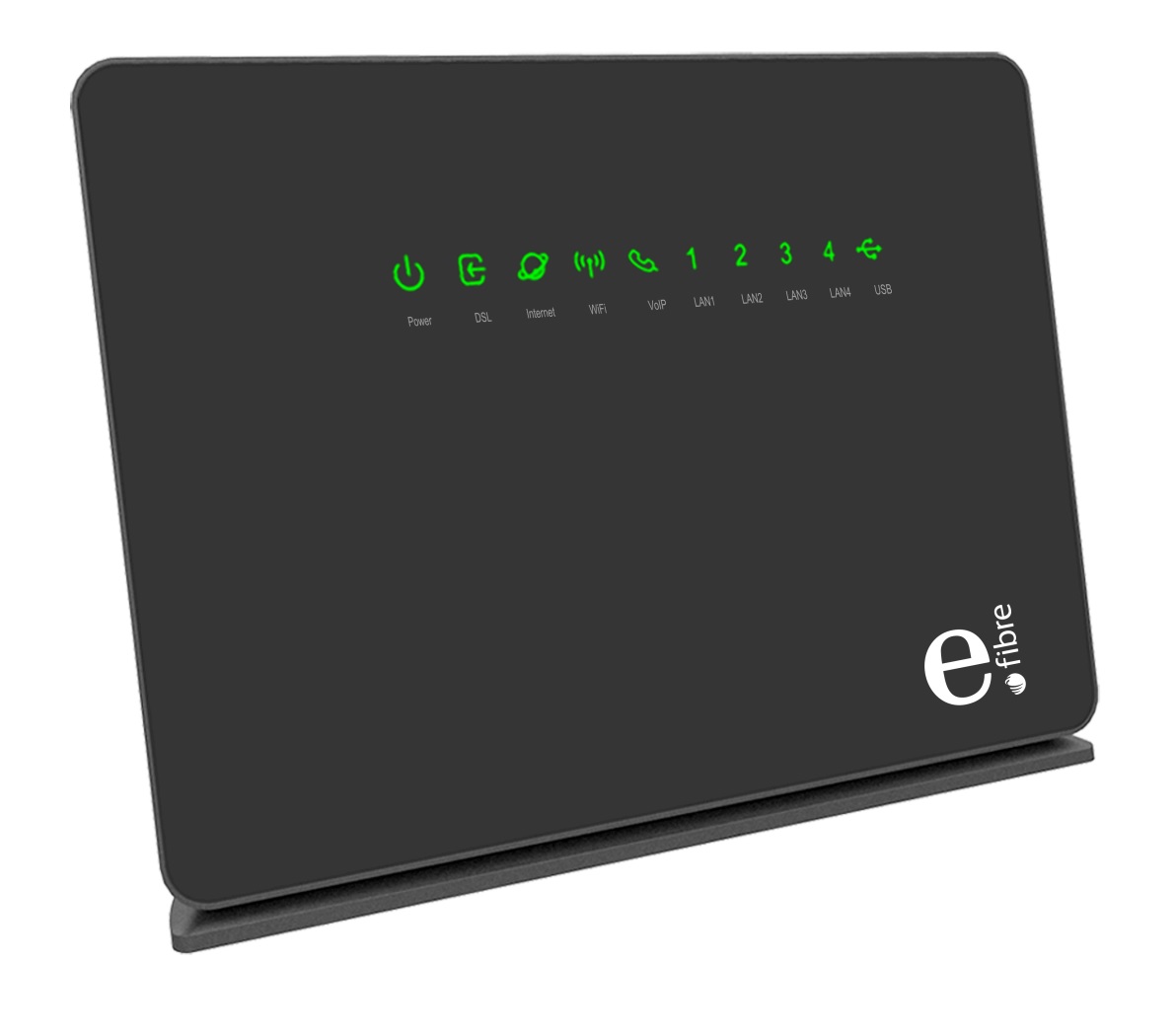
Having implemented a Unifi network infrastructure that's solved my home WiFI problems and introduced a degree of structure and security to my network, I wanted to document how I'd configured my service provider all-in-one modem/router to act as just a modem in front o the Unifi USG that handles or hands off everything else.

The first thing to note is that, once this is set up, it won't be possible to access the ISP modem interface from inside the network. (well, actually, it might be possible, but I was too lazy to figure out the required routing rules and configuration, so I just connect up as outlined below).

My setup sees the incoming DSL line connected to the F2000 as usual. My EirTV IPTV box is directly connected to one of the F2000 LAN ports. Another patch cable runs from another F2000 LAN port to the WAN port on the USG.

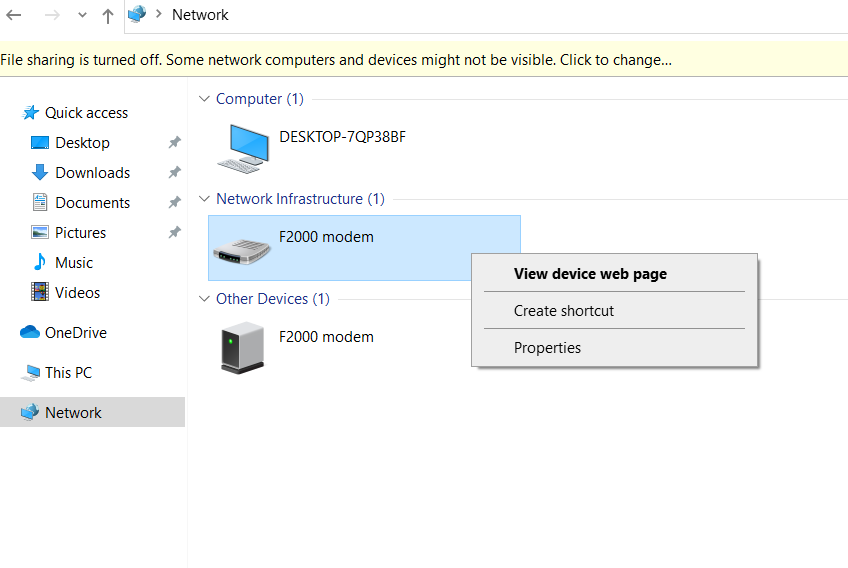
When I need to configure the F2000, I connect a laptop directly to a third LAN port. It shows up in the network of Windows 10 as follows (other OS may vary);


Saturday, 24 August 2019

UNIFI: The start of something big....


'Dad, the internet's slow!'
'Dad, can you restart the Wifi?'
'Dad, will we ever have WiFi in the kitchen?'

It was getting tiresome. A few years ago, I'd augmented the ISP all-in-one modem/router/WiFi with an Archer wireless router and a couple of Huawei extenders. This was an improvement, but never a satisfactory, long-term solution.

I'd been reading a lot about the Unifi range from Ubiquity and this week bit the bullet and purchased;


The idea was to provide decent wifi throughout the house, with 2x access points connected to the Switch from which they would receive both data and power. As an added bonus, the fully managed switch also supports link aggregation, so I could leverage both ethernet ports on my recently reconstructed MediaServer8.

Despite copious amounts of reading & research, and pre-installing the Unifi Controller Docker on unRaid, setup was not as smooth as it might have been.